SCREAM NOTE Optional PC-Reach Jumpscares
When scares leave the game window — and how to disable them safely.
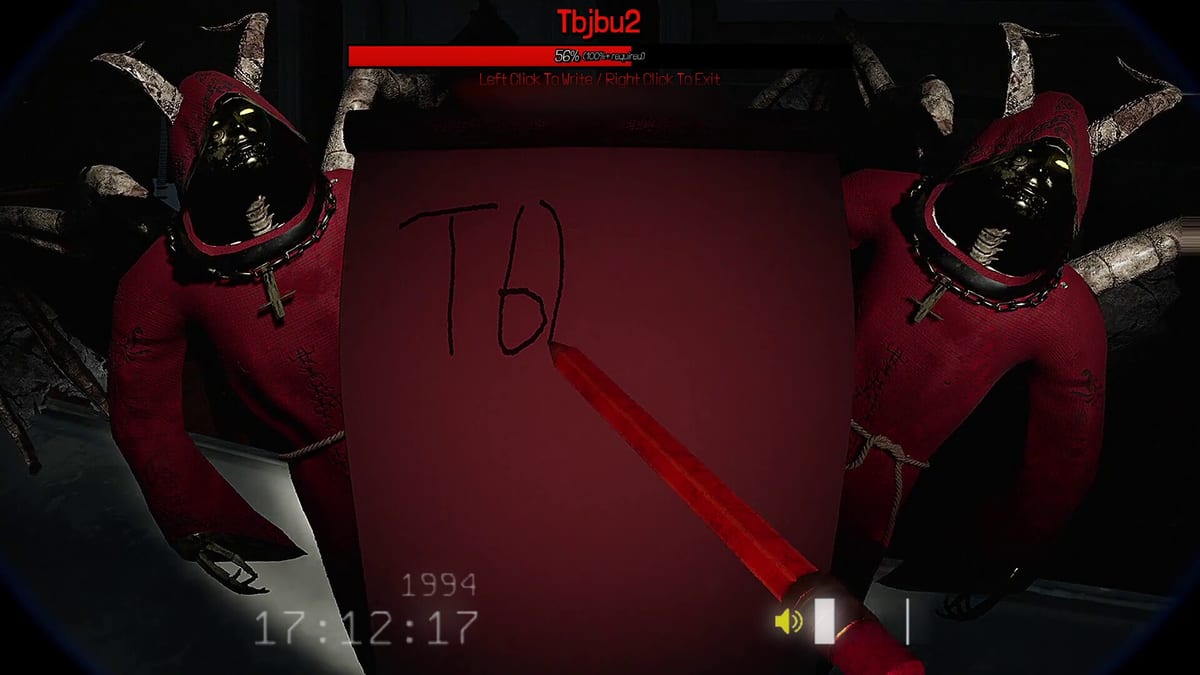
REAL PLAYERS advertises 222+ jumpscares in SCREAM NOTE, including optional effects that reach outside the game window onto your desktop. Marketing calls them unexpected; players with ultrawide monitors, stream overlays, or anxiety triggers call them a settings checkbox. This guide explains what PC-reach scares are, who should disable them, and how hosts run consent-first sessions on launch day.
Standard in-world scares still fire when PC-reach is off — you only skip meta effects that touch your monitor layout. For keybinds and audio, see controls and settings.
What “PC-reach” means in SCREAM NOTE
Most jumpscares play inside the first-person view: clowns in trees, hands on shoulders, faces at windows. A subset extends the illusion beyond the game border — cursor hijacks, fake desktop elements, or multi-monitor surprises. Steam store text describes these as optional and even ones that reach into your PC.
Design goals from REAL PLAYERS:
- Maximize authentic screams — social embarrassment beats generic horror.
- Reward stream clip moments — broadcasters want chat reactions.
- Stay opt-out friendly — settings must allow disabling for accessibility.
The notebook author never knows which subset fired unless victims describe it — anonymity stays intact per Scream Note mechanic.
Who should disable PC-reach scares
Turn the toggle off before your first lobby if anyone in the group matches:
- Multi-monitor desks — scares spanning monitor bezels cause real flinch injuries.
- Work laptops on docked setups — confidential windows behind the game create panic beyond fun.
- Photosensitive or anxiety triggers — sudden fullscreen flashes outside expected FOV.
- Younger players in mixed-age groups — host responsibility to set boundaries.
- Competitive work-from-home schedules — you do not want a fake error dialog during a standup hour.
Streamers may keep PC-reach on for content but should warn chat and use Streamer Mode boundaries so audience redeems do not stack meta scares on unwilling co-op partners.
How to disable PC-reach scares
Exact menu labels may shift in hotfixes — check launch day notes after patches:
- Open Main Menu → Settings (or pause menu in-match).
- Navigate to Gameplay or Jumpscare intensity.
- Disable Extended scares, PC-reach, or similarly named toggles.
- Apply and restart the round if the host changed rules mid-session.
Hosts should ask “PC-reach on or off?” in voice before the first page pickup. Mixed preferences default to off — friendship beats content.
Document changes in your group’s Discord pin linking this guide.
Multi-monitor and streaming layout
| Setup | Risk | Mitigation |
|---|---|---|
| Dual 1440p | Scare spans bezel gap | Disable PC-reach or game on single display |
| Ultrawide 21:9 | HUD + meta scare overlap | Lower FOV, disable reach |
| OBS game capture | Meta scare off-window invisible to stream | Warn viewers; use display capture only if consent |
| Laptop + external | Closing lid mid-scare | Single-display mode before play |
Streamers: read Streamer Mode before enabling Twitch bits that trigger additional scares on top of PC-reach variants.
Social contract for mixed groups
PC-reach is a group consent mechanic, not individual flex:
- Vote once per session — not every round.
- No targeting players who opted out — notebook scares still hit them with in-world variants.
- Pause if someone removes headset — check in before continuing.
- Clip responsibly — blur desktop if post-match uploads show personal notifications.
Elimination mode amplifies pressure to enable extreme scares for strike three — resist if your tier-S pick from the jumpscare tier list is PC-reach only. Swap to an in-world tier-A scare instead.
Relationship to other scare types
| Scare class | PC-reach off | PC-reach on |
|---|---|---|
| Chase + catch | Yes | Yes |
| Window / tree clown | Yes | Yes |
| Desktop meta | No | Yes |
| Streamer redeem | Configurable | Configurable |
Monster chase behavior — spawn near victim, pursue until jumpscare — does not require PC-reach. Learn chase audio in Scream Note mechanic and co-op multiplayer.
Launch day troubleshooting
If scares still hit your desktop after disabling:
- Verify all players disabled, not just host — some scripts may sync settings per patch.
- Check Steam overlay and GeForce Experience notifications competing for focus.
- File bugs on Steam discussions with “PC-reach toggle ignored” in title.
- Watch updates hub for settings renames in hotfixes.
Related resources
- Launch day checklist — configure before first invite.
- Controls and settings — audio and keybinds.
- Getting started — first match flow.
- Winning strategies — strike three without meta reliance.
PC-reach scares are optional for a reason — the notebook already ruins friendships inside the haunted house.
Frequently Asked Questions
Quick answers about SCREAM NOTE gameplay and this wiki.
Are PC-reach scares enabled by default?
Marketing describes them as optional. Check Gameplay settings at launch and disable if unsure.
Do PC-reach scares affect all 222 jumpscares?
No — only a subset extends outside the game window. Most scares stay in-world.
Can I disable them mid-match?
Usually via pause menu settings, but group consent should be decided before round start.
Are PC-reach scares in Streamer Mode?
Streamer tools add audience triggers separately. Configure both in settings and Streamer Mode guide.
Will disabling them weaken my notebook plays?
In-world scares remain fully effective — tier list ranks plenty of non-meta options.